

Why Homework Battles Start with a Ping
The nightly homework struggle is often described as a motivation problem, but the real trigger may be much smaller: a banner appearing across the screen, a vibration on the desk, or a preview of a message from a friend. For a teenager already trying to hold instructions, formulas, vocabulary, or a long reading passage in mind, each alert creates a decision. Should the message be checked? Is it urgent? What has been missed? That decision consumes attention before any reply is even written.
Smartphones are designed to keep users returning through persistent cues, and developing executive function makes it harder for many teenagers to ignore those cues repeatedly. That does not mean a child is careless or lacking discipline. It means the environment is demanding self-control at exactly the moment the brain is still learning to manage competing priorities. A dedicated study focus routine can replace repeated arguments and phone confiscation with calm, predictable guardrails that protect concentration while keeping essential communication available.
The Cognitive Cost of Constant Interruptions
Every notification creates an attentional switch. Even when a student does not open the app, the brain has registered the possibility of new information and must return to the original task. This matters most during complex homework, such as writing an essay, debugging code, solving multi-step mathematics, or reading material that requires several ideas to be held together. A short interruption can become a longer recovery period when the student has to reconstruct what was being considered.
Research should not be oversimplified into the claim that every notification harms every student in exactly the same way. Individual responses vary, and some young people can ignore alerts more easily than others. However, a 2026 thesis involving introductory computer science students found that participants generally took fewer long pauses during programming assignments when phone notifications were suppressed. The result supports a practical approach: reducing interruptions is a low-cost experiment that may improve sustained attention, especially during demanding work. The study is available as Student Programming Behavior With and Without Phone Notification Suppression.
That finding also points to a better parenting principle. Attention is a finite biological resource, not an unlimited character trait. Asking a tired teenager to exercise willpower against dozens of alerts is less effective than changing the conditions around the task. A Focus mode does not teach every study skill, and it cannot solve unclear instructions, fatigue, anxiety, or a difficult subject. It does, however, remove one predictable source of friction.
- Silence banners, sounds, and vibrations from social media, shopping, entertainment, and games during homework.
- Keep urgent family contacts available so safety and necessary coordination are not compromised.
- Use a consistent start and end time, allowing the student to know when messages can be checked again.
- Review whether the setting helps after several evenings rather than judging it after one imperfect session.
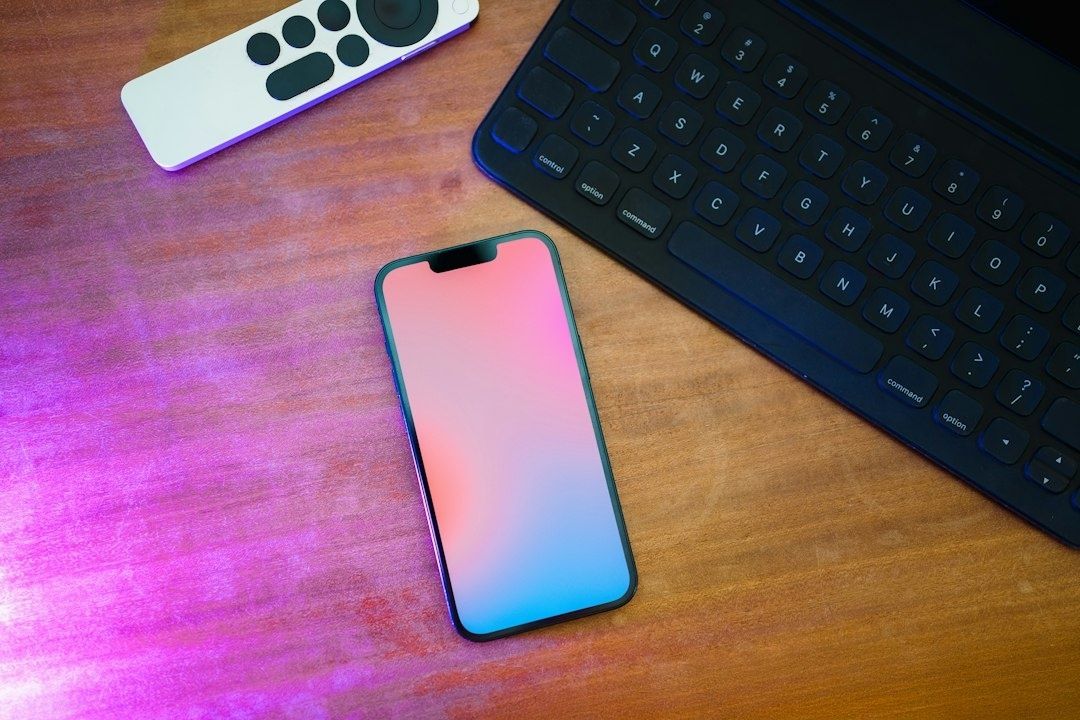
Setting Up iOS Focus Modes for Frictionless Study
Apple”s Focus feature allows families to create a named environment for a particular activity. A Homework Focus can silence selected apps and people, alter the Lock Screen, and activate automatically at chosen times or places. Menu names can vary slightly by iOS version, but the general path remains in Settings and Control Center. The goal is not to make the phone unusable. The goal is to make the default study experience quieter.
- Open Settings, select Focus, and tap the add button to create a custom Focus. Name it “Homework” or another neutral term that feels collaborative rather than punitive.
- Choose which people may still notify the student. Include parents, guardians, or another trusted adult, and consider adding a study partner if coordination is genuinely needed. Avoid allowing a large group of contacts simply because it feels easier.
- Select the apps that may send notifications during study. A school platform, calendar, accessibility tool, or transport app may be appropriate, while social media, games, and entertainment apps can remain silenced.
- Set the Focus to activate on a schedule that matches realistic homework hours. Apple also supports activation by location or when a particular app is opened, although scheduled hours are often easier for families to understand at the beginning.
- Test the arrangement together. Send a message from an allowed contact, check a school app, and confirm that nonessential alerts are quiet. Explain how to turn the Focus off from Control Center when the study period ends.
For additional structure, Screen Time can complement Focus. Apple”s Screen Time schedules and time allowances can limit categories such as Games, Entertainment, and Social Media during selected periods, while “Always Allowed” settings can preserve access to chosen contacts or essential apps. These controls require compatible Apple operating systems across relevant devices, particularly when managed through Family Sharing, so check the current software requirements before setup.
A useful distinction is that Focus controls interruptions, while Screen Time can control availability and duration. A student may still open a distracting app during a Focus if the app remains accessible, so families should decide whether silence is enough or whether stronger limits are needed. Start with the least restrictive setting likely to work. The purpose is to support independent habits, not to create a maze of blocked features that encourages workarounds.
Taming Notification Overload with Scheduled Summaries
Completely turning off every notification can backfire. Teenagers often rely on digital communication for friendship, group projects, clubs, and social belonging. If a phone becomes unreachable for long periods without explanation, fear of missing out may increase rather than decrease. The student may repeatedly unlock the device to check what has happened, creating more disruption than a carefully managed system would.
Scheduled Summary offers a middle path. In Settings, open Notifications, select Scheduled Summary, and turn it on. Choose which apps belong in the summary, then select delivery times outside the main homework period. Social media, casual messaging, news, shopping, and game alerts are common candidates. Critical communication tools should be considered separately, since delaying a school announcement or family message may not be appropriate.
- Place high-volume, low-urgency apps in the summary.
- Choose a delivery time after the planned study block rather than immediately before it.
- Keep emergency and family communication available through the agreed Focus settings.
- Explain that the summary delays alerts; it does not delete messages or prevent the student from opening the app later.
Balanced boundaries matter because adolescent stress is shaped not only by screen time, but also by peer expectations and uncertainty about communication. Clinical discussion of adolescent digital habits, including the importance of peer attachment and communication anxiety, is also available through Checking your browser and supports boundaries that reduce compulsive checking without creating total social isolation. The aim is predictable access, not disconnection.
Why Proactive Focus Settings Work Better Than Device Confiscation
Taking a phone away can produce immediate quiet, but it may also create resistance, secrecy, and mistrust. A teenager who expects the device to disappear whenever homework begins may hide usage, negotiate every evening, or focus more on recovering access than on the assignment. Confiscation also removes useful functions, including a calculator, school portal, calendar, accessibility tools, and a safe way to contact a parent.
A shared automation rule makes the boundary visible and predictable. Parents can explain what is silenced, what remains available, when the Focus begins, and when normal notifications return. The student retains some control over the digital environment and can learn to use the same skills later at school, during revision, or before an exam.
| Device confiscation | Shared automated boundaries |
|---|---|
| Creates an abrupt loss of access | Uses a scheduled, predictable study period |
| May encourage arguments or covert use | Reduces negotiation through consistent settings |
| Removes useful school and safety tools | Allows selected contacts and essential apps |
| Places the adult in constant enforcement mode | Lets the device apply the agreed rule automatically |
| Offers little practice in self-management | Builds skills the student can use independently |
Co-designing the arrangement is especially important for older teenagers. Ask which contacts must remain available, which apps cause the most disruption, and what homework hours are realistic. Review the settings after a week. If the student misses a legitimate school alert, adjust the allowed apps. If social messages still break concentration, move them into Scheduled Summary or tighten the Screen Time allowance. Regular review keeps the system age-appropriate and prevents outdated rules from becoming a new source of conflict.
Build a Peaceful Study Routine Tonight
Small automated changes can shield a teenager”s cognitive bandwidth without turning family life into a daily technology battle. The strongest setup combines a quiet Focus period, carefully selected exceptions, and a later opportunity to reconnect. It also recognizes that concentration is affected by sleep, workload, hunger, learning needs, and emotional stress. Notification control is a support, not a judgment about the student”s character.
- Conversation: Explain that the purpose is to protect homework attention, not to punish phone use. Agree on essential contacts and a realistic study window.
- Configuration: Create Homework Focus, schedule it, choose allowed people and apps, and add a Scheduled Summary for nonurgent alerts.
- Calibration: Check the results after several evenings. Keep what works, restore necessary access, and make one small adjustment at a time.
A calmer homework routine rarely comes from one perfect setting. It develops through clear expectations, respectful collaboration, and steady review as school demands and social needs change. When the phone quietly handles avoidable interruptions, parents can spend less time enforcing boundaries and more time helping with the work that actually requires human support.