
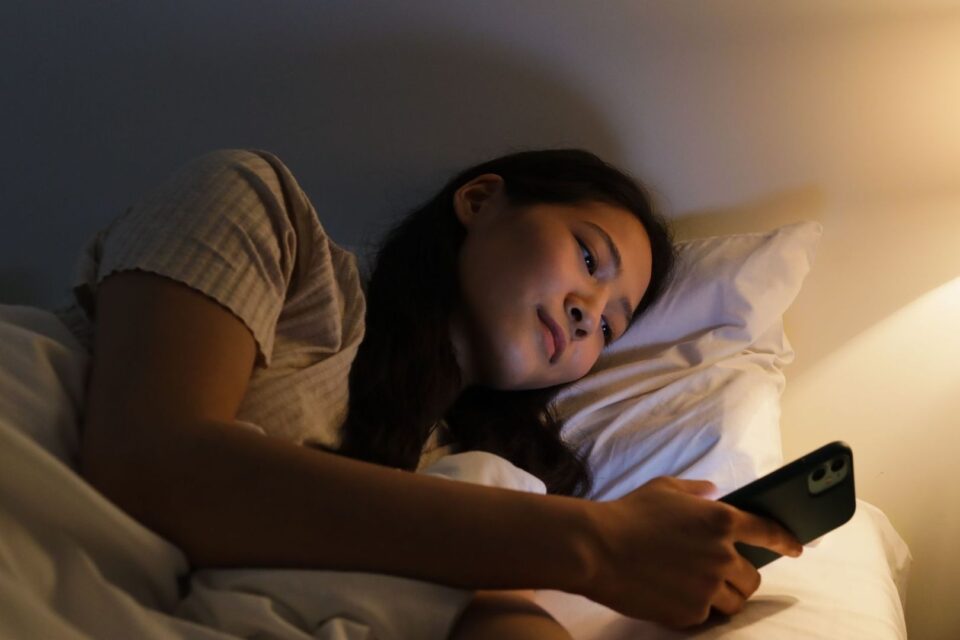
Rethinking Bedtime Screentime for Modern Teens
Bedtime technology can become a daily source of friction. A parent may want a teenager to put the iPhone away, while the teenager sees a sudden passcode lockout as punishment, surveillance, or a sign that personal trust has disappeared. Abrupt app shutoffs can also interrupt conversations, homework reminders, music, or a planned wind-down routine. The result is often an argument about the phone rather than a calm transition toward sleep.
Hard cutoffs may produce compliance for one evening, but they do not necessarily teach a young person how to manage notifications, stimulation, or social pressure independently. A teen who feels micromanaged may search for workarounds, borrow another device, keep a second account, or hide late-night use. These responses do not mean every boundary is wrong. They show that the way a boundary is introduced can shape whether it becomes a healthy habit or an adversarial contest.
A more respectful approach uses an iPhone Focus mode to change the nighttime environment instead of treating the entire device as forbidden. Notifications become quiet, the Lock Screen becomes less visually inviting, and the Home Screen can present only calm, useful tools. This gentle curfew does not remove every choice. It reduces digital stimulation while leaving an agreed path open for family contact and genuine needs. The approach is worth taking seriously because research on screen time and sleep in children consistently associates bedtime device use with shorter or poorer-quality sleep, although much of the evidence is observational and cannot prove that screens alone cause every sleep problem.

Why Hard Lockouts Backfire in the Bedroom
Forced compliance and internal digital hygiene are different goals. A lockout can make an app inaccessible, but it cannot teach a teenager to notice when scrolling is increasing anxiety, delaying sleep, or making the next morning harder. Teens are also developing judgment and independence. A boundary that explains the purpose of quiet time, preserves essential communication, and allows periodic review is more likely to support that development than a rule that simply says the device has been taken away.
Common workarounds include requesting extra minutes repeatedly, changing time zones, using a browser instead of an app, switching to a different account, borrowing a sibling”s phone, or moving to another device. These tactics are not reasons to abandon parental controls, particularly when safety or serious sleep disruption is involved. They are reminders that technical restrictions work best alongside conversation and a predictable routine. A mixed-method study of parental monitoring found that restrictive approaches were associated with parents” perceptions of problematic internet use, while active monitoring focused on discussion and critical thinking rather than restriction alone. The findings support a flexible approach that matches the child, family relationship, and situation.
| Hard lockout | Calming Focus environment |
|---|---|
| Communicates that access has been removed | Communicates that the environment is changing for sleep |
| Can trigger repeated requests or attempts to bypass the limit | Reduces prompts, visual stimulation, and social pressure |
| May block useful communication along with entertainment | Allows selected family contacts and urgent notifications |
| Measures compliance at one moment | Builds a repeatable bedtime routine |
| Often feels imposed without negotiation | Can be co-designed and reviewed regularly |
Sleep guidance is not an argument for ignoring boundaries. Nearly all studies reviewed in one clinical overview linked youth screen use with delayed bedtimes or reduced total sleep, with possible mechanisms including time displacement, psychological stimulation, light exposure, and increased alertness. The overview also connects insufficient sleep with difficulties in emotional regulation, behavior, attention, and daytime functioning. An Authoritative Source can help families understand why these effects matter. A Focus mode cannot solve anxiety, an inconsistent schedule, caffeine use, or an uncomfortable bedroom, but it can remove several avoidable sources of bedtime activation without turning the phone into a nightly battleground.
Designing a Customized Bedtime Focus Profile
Start by presenting the Focus mode as a sleep-support tool, not a secret monitoring system. Menu names can vary slightly by iOS version, but the general route is Settings, Focus, Add Focus. Choose a sleep-related option if it fits the family routine, or create a custom Focus called “Evening Wind-Down.” A custom name can make the purpose clear and avoid suggesting that every family member needs the same schedule.
- Open Settings, select Focus, and choose Sleep or create a custom Focus.
- Set the people who may notify the teen. Include parents, caregivers, and other essential contacts, while silencing social notifications and nonessential group alerts.
- Choose the apps that remain available. Phone, Messages, health tools, alarms, an audiobook app, or an agreed reading app may be appropriate.
- Customize the Lock Screen and Home Screen connected to the Focus. Select a subdued wallpaper and a small number of useful widgets.
- Schedule the Focus for school nights, then create a separate weekend schedule if the family agrees that later hours are reasonable.
To schedule the mode, use Settings, Focus, the selected Focus, Add Schedule. Depending on the iOS version, activation may be based on time, location, or app use. Apple”s iPhone guidance also explains that Sleep Focus can follow the sleep schedule configured in the Health app. A school-night schedule might begin during the final part of the evening routine and end in the morning, while a weekend schedule can start later. Avoid inventing a universal bedtime. Teenagers need substantial sleep, but the appropriate schedule depends on age, school start time, activities, and individual sleep needs.
Enable Dim Lock Screen when that option is available. The purpose is not to make the display unusable, but to reduce the bright visual invitation to check the screen. Consider allowing calls from selected people, and explain how emergency or urgent notifications will work. Focus modes can be turned on from Control Center, scheduled automatically, or controlled through Siri, so the teen should know how to check the active status and request a reasonable adjustment. A setting that is understandable is less likely to feel like hidden interference.
Creating Frictionless and Boring Evening Home Screens
Focus works especially well when paired with a dedicated Home Screen page. Create a page that appears only during the evening Focus and move stimulating apps away from it. The goal is not to delete games or social platforms. It is to make them less visually prominent during the hours when the brain is preparing for sleep. Apple allows users to customize Home Screens, Lock Screens, widgets, and app arrangements, although exact options may depend on the iOS release.
- Keep the clock, alarm, calendar, weather, reminders, and family communication tools visible.
- Place audiobooks, meditation tools, calm music, and offline reading in easy reach.
- Remove algorithmic video feeds, gaming folders, shopping apps, and social-media badges from the bedtime page.
- Turn off unnecessary notification badges so a red number does not create a new reason to check.
- Use a dark, simple wallpaper and consider Night Shift or grayscale accessibility options if bright colors encourage prolonged use.
Screen Time can remain useful as a review and safety layer, even when Focus provides the gentler nightly experience. Apple”s current guidance describes schedules, app allowances, and Always Allowed contacts or apps, with availability depending on the iOS version and family device setup. Screen Time can be reserved for agreed limits on entertainment or for situations where a stronger safeguard is necessary. Focus should handle the atmosphere, while Screen Time can handle specific limits, usage review, and essential exceptions.
The physical routine still matters. Encourage the iPhone to charge outside the bed, ideally in a location that is close enough for an alarm but not within reach for casual scrolling. If the teen needs the phone for an alarm, a separate clock can remove that justification. Dim lighting, a consistent sequence, reading, stretching, and reduced caffeine can support the same message as the Focus mode. The technology setting is most effective when it reinforces a wider routine rather than carrying the entire responsibility for sleep.
Building Trust and Long-Term Screen Autonomy
Co-design the arrangement before turning it on. Ask which notifications genuinely matter at night, which apps make winding down difficult, and what would make the routine feel fair. A teen may identify a school group, job contact, sports coach, or close friend who needs a carefully defined exception. Listening does not mean accepting unlimited access. It helps separate essential communication from alerts that can safely wait until morning.
Set an agreed activation point, such as after washing up, finishing homework, or beginning a short reading period. Explain that the Focus will activate automatically and that the purpose is to protect sleep, not to punish late activity. A practical family agreement can include:
- The start and end time for school nights and weekends.
- The people and apps that remain available for safety or family coordination.
- Where the phone will charge overnight.
- What happens when homework, travel, work, or a late event changes the schedule.
- How a teen can ask for a temporary adjustment without starting an argument.
- When the family will review sleep, morning alertness, and whether the settings are still appropriate.
Review the arrangement weekly at first, then less often when it works reliably. Look for practical signs rather than demanding perfect compliance: easier mornings, fewer repeated checks, less bedtime conflict, and enough sleep for school and daily activities. The American Academy of Pediatrics supports consistent sleep habits and recommends limiting screens and removing devices from bedrooms where possible. Adolescents also experience a natural shift toward later sleep timing during puberty, so a realistic plan should account for developmental needs rather than treating every late bedtime as defiance.
If the teen remains exhausted, struggles to fall asleep despite a consistent routine, snores heavily, experiences persistent anxiety, or shows a significant change in mood or concentration, technology settings are not enough. Discuss the pattern with a pediatrician or another qualified health professional. Focus modes are practical tools, not a substitute for medical or mental-health support.
Empowering Healthier Nighttime Habits That Last
A bedtime Focus mode replaces a dramatic digital wall with a carefully designed environment. Notifications become quieter, the screen becomes less compelling, and essential contacts remain reachable. That combination can lower stimulation without making the teen feel that every decision has been confiscated. It also gives parents a clear framework for discussing sleep, safety, and responsible device use.
The long-term aim is not to control an iPhone forever. It is to help a young person recognize which settings support concentration, calm, privacy, and rest, then gradually take ownership of those choices. Start with a modest schedule, explain every important exception, review the results, and make small adjustments. When technology boundaries are treated as supportive architecture rather than digital punishment, the nightly routine can become a shared health practice that continues to work as children move toward adulthood.